
Why PDF Menus Might Be Holding Your Website Back
In the fast-paced digital era, where the online presence of your business is often the first interaction with potential customers, every detail of your website matters. One common pitfall that businesses, especially in the hospitality industry, might overlook is the use of PDF menus. While it might seem like a convenient way to display your offerings, there are crucial reasons to reconsider this approach.
Let’s break it down as to why and what you should do instead.
1. Accessibility
Did you know there is an entire document outlining legal requirements for your website? It’s a part of the ADA (American Disabilities Act) and I could write an entire separate blog post on what it is and why it’s important, but for the sake of this post, I’ll keep it brief. Essentially, the ADA outlines all of the ways that people with disabilities should be able to access the content on your website.
So how does this relate back to PDF’s? Imagine a potential customer trying to access your menu, but they rely on screen readers or have other accessibility needs. PDF menus often fall short in meeting ADA compliance standards, making it difficult for users with disabilities to navigate and access information. Opting for a more web-friendly format ensures that everyone, regardless of their abilities, can seamlessly explore your offerings.
Want a more in-depth explanation on ADA Compliance complete with a checklist? Check out this great article from Glenmont Consulting.
2. Site Speed & SEO
User attention spans are shorter than ever, and waiting for a PDF menu to load can be a frustrating experience and PDF’s are big and bulky. PDF menus, especially those with high-quality images, can slow down your website's loading time, potentially driving users away. A slow website not only affects user experience but can also impact your search engine rankings. Prioritizing a faster, more efficient website by avoiding PDF menus contributes to a positive user experience.
Additionally, think about all of the important information that could be beneficial for your SEO that your’e hiding in a compressed document. If you’re a hair salon and all of your services are hidden on a PDF, you’re missing out on great keywords and content that could help boost your search presence.
3. Aesthetics
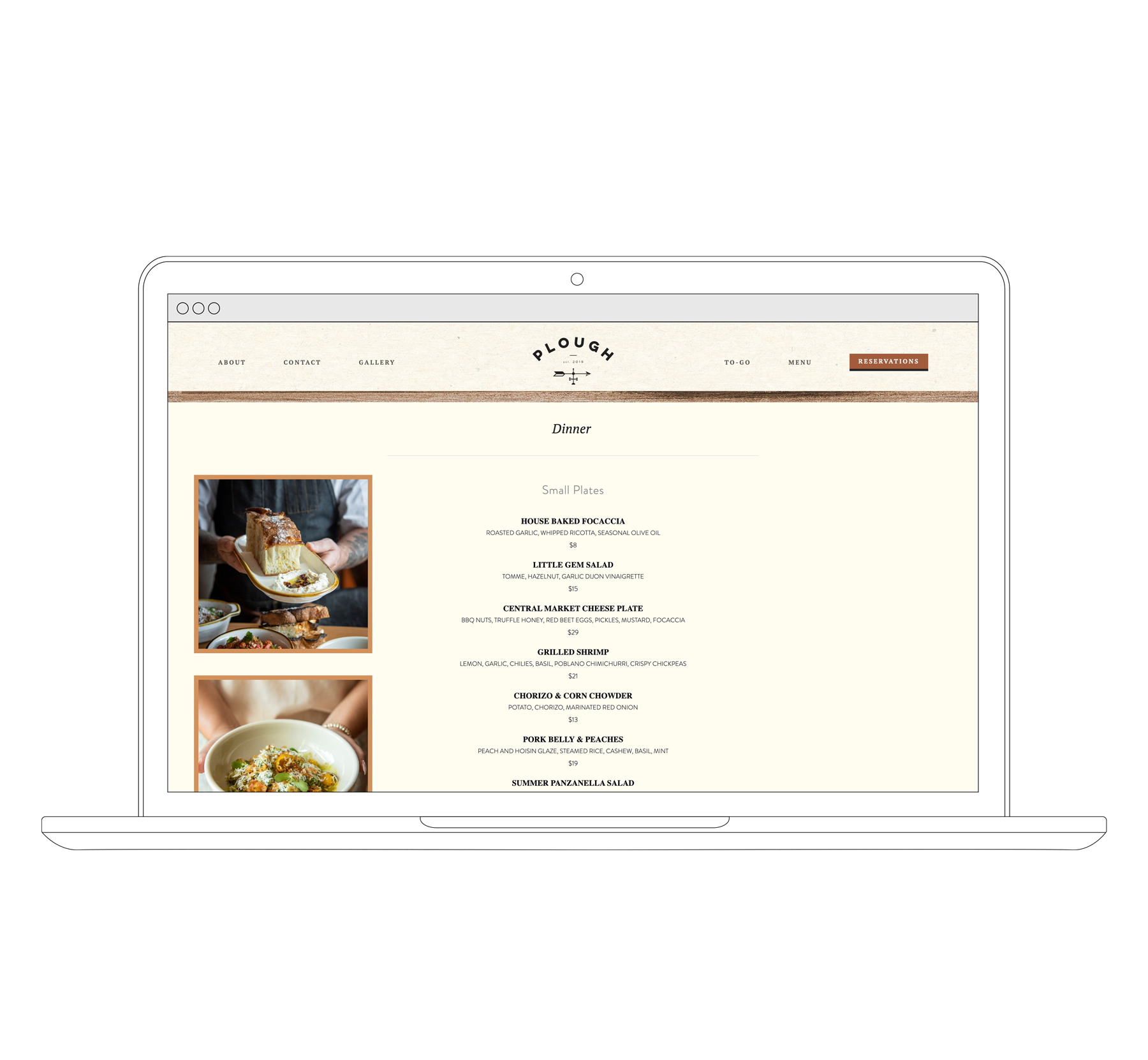
PDF menus often limit your creative freedom and design flexibility, which is crucial for portraying the aesthetic and brand image you want. Incorporating menus directly into your website allows for more dynamic and visually appealing displays. Users are more likely to engage with a beautifully presented, interactive menu that aligns with your brand identity, contributing to a memorable online experience.
I could honestly rant about this all day, but if you’re trying to upload a PDF to your website, just… don’t.
In conclusion, ditching PDF menus in favor of web-friendly alternatives is a strategic move for enhancing user experience, ensuring ADA compliance, maintaining website speed, and elevating your brand aesthetics. By providing accessible, faster, and visually engaging menus, your website becomes a more welcoming and efficient space for potential customers. It's time to give your audience the seamless digital experience they deserve.
So what do I do?
Great question. Use live text as much as possible! Live text is simply writing as you would normally on your webpage. There are many ways to enhance the look and design of the text but in general, if you can highlight the text - it’s live! This will make your menus, service packages, and more now accessible by search engine indexes and crawlers. Plus, now your text can be read by screen readers, allowing people with disabilities to access your site.
Need help designing your website? We know a thing or two.
